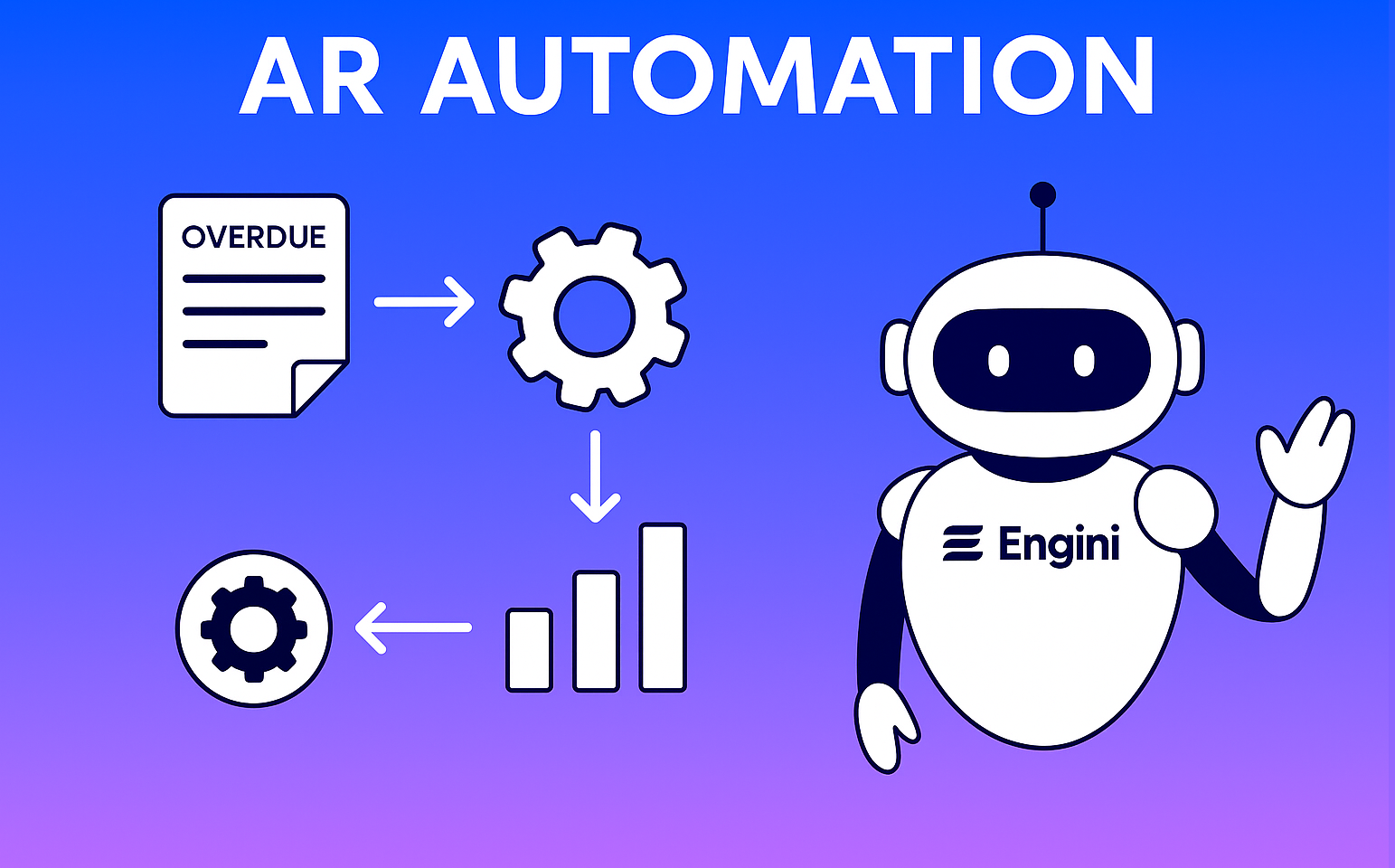
How Accounts Receivable (AR) Automation Transforms Cash Flow & Efficiency
In today’s fast paced business environment, finance teams are under constant pressure to reduce days sales outstanding (DSO), improve cash flow forecasting, and reduce manual errors. Many organizations still rely on manual or semi manual AR (Accounts Receivable) processes keying data, chasing overdue invoices, reconciling payments which consume time and introduce risk.
Accounts Receivable (AR) Automation offers a smarter path forward. By applying digital tools, RPA (robotic process automation), AI, and integrated workflows to AR tasks, companies can streamline collections, improve accuracy, and free up staff to focus on more strategic work. In this post, we’ll explore how AR automation works, the benefits it unlocks, how to evaluate options, and how to implement it successfully.
What Is AR Automation?
Definition & Scope
Accounts Receivable (AR) Automation refers to the use of software and digital technologies to automate repetitive tasks in the billing process such as invoice generation, reminders and reminders, payment matching, reconciliation, dispute management, and reporting.
Rather than relying on spreadsheets, emails, or manual data entry, AR automation platforms integrate with your ERP, accounting systems, or billing software to streamline workflow and reduce friction across the AR lifecycle.
Core Components & Technologies
Here are the key building blocks behind AR automation:
- – Electronic Invoicing and Delivery: Generating invoices automatically and sending them (by email, portal, or other channels) based on predefined triggers or schedules.
- – Automated Reminders & Follow‑Ups: Scheduling and sending overdue notices or payment reminders automatically, based on rules/aging.
- – Payment Matching & Application: Automatically matching incoming payments or remittances to outstanding invoices, reducing the need for manual reconciliation. AI and rules engines often assist here.
- – Dispute / Deduction Management: Identifying exceptions (e.g. short pays, deductions), routing them, and applying resolution workflows.
- – Analytics & Reporting: Dashboards, aging reports, DSO metrics, cash flow forecasting, collector performance tracking.
- – Integration & Data Flow: Seamless integration with ERP, CRM, order management, banking/payment processors to maintain clean data flow and reduce silos.
- – Intelligence / AI / Machine Learning: More advanced solutions incorporate predictive modeling (e.g. which accounts are likely to pay late), anomaly detection, or auto triage of high risk accounts.
With these pieces in place, much of the manual effort in AR is replaced by system driven workflows. The human role shifts from data entry to oversight, exception handling, and strategic decision-making.
AR Automation with AI Workers: The Next Evolution in Intelligent Finance
As finance teams push beyond traditional automation, a new class of digital agents is emerging: AI Workers. These aren’t just bots that follow scripts—they are intelligent, self-learning systems that understand context, adapt to new situations, and make decisions in real time.
In the world of accounts receivable (AR), AI Workers are redefining what automation means. Rather than relying solely on pre-set rules, these intelligent agents bring cognitive capabilities to tasks that previously required human judgment.
What Are AI Workers in AR?
AI Workers are autonomous software programs powered by artificial intelligence. They’re trained to handle finance processes like a human would only faster, without fatigue, and at scale. They continuously learn from historical data, make decisions based on context, and work around the clock to optimize results.
In AR automation, AI Workers can:
-
– Interpret and match payments to open invoices even when remittance data is incomplete or inconsistent.
-
– Handle exceptions and short payments, using previous case patterns to suggest resolution paths.
-
– Flag at-risk accounts based on predictive analysis of payment behaviors and trends.
-
– Dynamically prioritize collections tasks based on payment likelihood and urgency.
-
– Generate more accurate cash forecasts by learning from historical inflows and customer behavior.
Benefits of Using AI Workers in AR
| Capability | Traditional Automation | AI Worker Advantage |
|---|---|---|
| Invoice Matching | Based on strict rules | Learns from patterns & language |
| Dispute Resolution | Manual handoffs | Auto-triage with suggestions |
| Collection Prioritization | Static sequencing | Dynamic, data-driven escalation |
| Forecasting | Fixed formulas | Adaptive predictive models |
| Exception Handling | Needs human review | Intelligent routing or resolution |
With AI Workers in place, AR teams spend less time chasing payments and fixing mismatches and more time focusing on strategy, customer relationships, and financial planning.
Why AR Automation Matters: Top Benefits
Implementing AR automation isn’t just a nice to have it delivers tangible ROI and strategic advantages. Below are the major benefits:
1. Accelerated Cash Flow & Shorter DSO
Automated invoicing, reminders, and payment matching reduce the friction and lag in collections. This leads to faster payments and can meaningfully shorten Days Sales Outstanding (DSO).
2. Reduced Costs & Labor Overhead
You cut down on manual processing, rework, duplicate data entry, and human errors. Many organizations report a reduction in labor hours devoted to AR tasks-allowing smaller teams to handle greater volumes.
3. Improved Accuracy & Fewer Errors
Eliminating manual data entry reduces mistakes in invoice amounts, remittances, mismatches, and posting. Clean, consistent data improves decision-making.
4. Real Time Visibility & Analytics
Dashboards and live reports give finance leaders insight into receivables aging, cash flow forecasts, collections performance, and emerging issues.
5. Better Customer Experience & Relations
With accurate invoices, on time reminders, and fewer errors, customers receive a smoother payment experience. It also allows finance teams to respond quicker to inquiries or disputes.
6. Scalability & Future Proofing
As transaction volume grows, an automated system scales more gracefully than a purely manual process requiring headcount increases.
7. Better Risk & Credit Controls
Some AR automation suites include features for credit checks, risk scoring, and flagging high risk accounts supporting proactive controls.
8. Strategic Use of Staff Time
AR staff shift from tedious, repetitive work to higher value tasks: handling disputes, customer negotiations, strategic collections, and financial analysis.
“By using AI for remittance matching and processing, you can … cut costs, improve accuracy and reduce fraud.” AFP
“AI in accounts receivable helps AR teams work smarter, get paid faster, and delight their corporate buyers … teams at a typical mid sized business can save $440,000 and 4,500 hours per year.” Billtrust
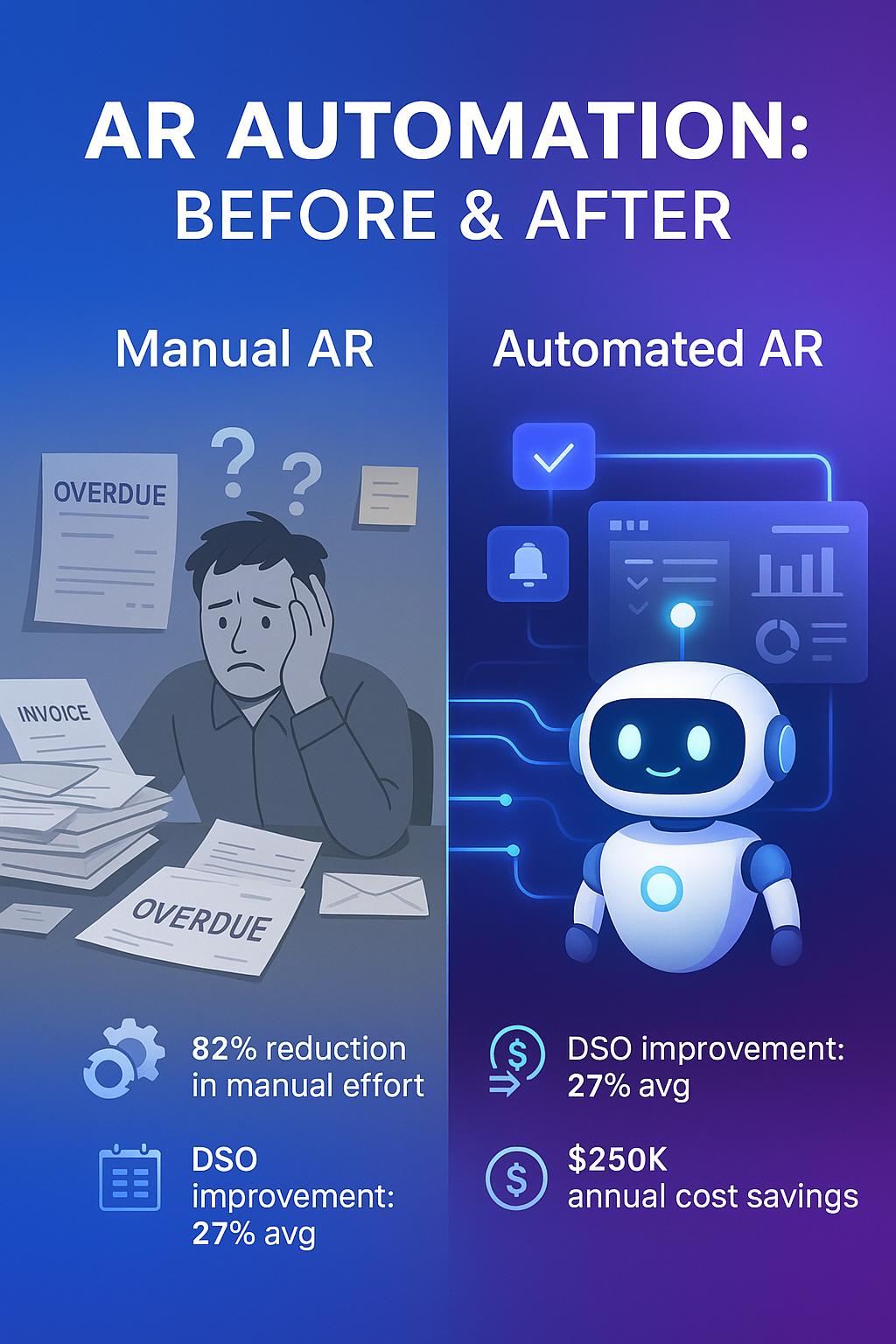
these claims underscore how AI driven automation can magnify ROI in AR.
.
How AR Automation Delivers ROI: Use Cases & Examples
Here are real world scenarios demonstrating how AR automation delivers value:
Use Case: High volume Invoicing
A mid sized SaaS or services company issues hundreds of invoices monthly. Manual generation and dispatch take significant time. With automation, invoices are generated automatically post-fulfillment and emailed immediately, eliminating lag and reducing lapses in billing.
Use Case: Payment Matching & Exceptions
Many customers send remittance advice, partial payments, or payments with deductions. Matching these to outstanding invoices manually is error prone and slow. Automation with AI or rule engines matches the majority of payments automatically, only handing off exceptions to humans dramatically cutting reconciliation time.
Use Case: Proactive Collections
Automation systems can prioritize late accounts, send customized reminders or dunning notices, escalate accounts when necessary, and even suggest collection strategies. That helps collections teams act more smartly and efficiently.
Use Case: Forecasting & Cash Planning
Live dashboards show projected cash inflows based on open AR. CFOs and FP&A teams can plan with greater confidence and avoid surprises in liquidity.
Use Case: Multi currency / Global Clients
For businesses operating across borders, AR automation supports international invoicing, currency conversions, local payment methods, and compliance with tax regulations. This simplifies global receivables.
What to Look for When Choosing an AR Automation Solution
Not all AR automation tools are created equal. Here are key criteria to evaluate:
- Feature Breadth & Depth
- -Invoice generation & delivery
- -Automated follow-ups and dunning
- -Payment matching with AI / rules
- -Exception / dispute workflow
- -Analytics & dashboards
- -Credit/risk modules
- Integration & Compatibility
The solution must integrate seamlessly with your ERP, accounting software, CRM, order system, or banking APIs. Poor integration is a major barrier. - Scalability & Performance
The system should handle volume growth, additional business units, or new geo without performance degradation. - User Experience & Configurability
A user friendly interface and ability to customize workflows, rules, reminders, and escalation paths is essential for adoption. - Intelligence & Automation Sophistication
Basic rule based automation is table stakes. Look for AI enhanced features: prediction models, anomaly detection, auto prioritization, and continuous learning. - Security, Governance & Compliance
Especially for finance data, you need strong security (encryption, audit logs, role based access), compliance with local regulations (tax, data privacy), and traceability of actions. - Vendor Track Record & Support
Select vendors with experience, references, and strong support. Automation in finance carries risk trust matters. - Total Cost of Ownership & ROI
Consider subscription costs, implementation, integration, training, and ongoing support. Model the payback period based on labor savings, DSO improvement, and reduced errors. - Exception Handling & Human in the Loop Capability
No automation is 100% perfect. Ensure the system allows exceptions to be escalated and handled by humans with visibility into context.
If possible, pilot the solution on a subset of your AR operations first to validate assumptions before full rollout.
Step by Step Implementation Roadmap
Here’s a suggested sequence to roll out AR automation in a low risk, high impact way:
| Phase | Activities | Key Goals / Checks |
| Phase 0 – Assessment & Baseline | Audit current AR workflows, pain points, volumes, error rates, DSO, and resource allocation | Establish baseline metrics and define goals |
| Phase 1 – Choose & Plan | Evaluate vendors, run demos, select solution, plan integrations, define workflows & rules | Confirm alignment with systems and scale |
| Phase 2 – Pilot / Phased Rollout | Automate a subset (e.g. smaller customer segment or region) | Validate matching accuracy, workflows, staff adaptation |
| Phase 3 – Full Rollout | Extend automation to all AR processes | Monitor performance, adjust rules, manage change |
| Phase 4 – Continuous Optimization | Use analytics to refine rules, add AI models, expand to new use cases | Drive incremental gains, scale further |
Best practices:
- – Engage stakeholders early (finance, IT, collections, sales).
- – Clean and standardize your data (master customer data, invoice templates, remittance formats) before automation.
- – Start with “low hanging fruit” (straightforward invoices, high confidence matches) before tackling complex exceptions.
- – Monitor exceptions closely and refine automation rules.
- – Train users (collections, AR staff) to trust and adopt the system.
- – Build dashboards and KPIs for adoption, accuracy, and business outcomes.
Overcoming Common Challenges & Risks
While the upside is strong, you should anticipate and mitigate risks:
- – Data quality issues: If your existing invoice or customer data is inconsistent, automation will struggle. Address data cleansing upfront.
- – Resistance to change: Some staff may fear that automation replaces them. Position it as enabling them to focus on higher value work.
- – Complex exceptions / edge cases: Automation can’t cover every scenario immediately. Maintain a human in the loop fallback.
- – Integration pitfalls: Custom or legacy systems may pose integration challenges. Allow buffer time and technical resources.
- – Over automation too soon: If you push for full automation too fast, workflows may break. Roll out gradually.
- – Security & compliance concerns: As AR touches finance, ensure any solution meets local regulatory standards and is secure.
To mitigate, you should run proofs of concept, adopt incremental deployment, and constantly monitor outcomes.
Conclusion
As organizations grow, manual AR processes become untenable: error prone, inefficient, and lagging behind strategic needs. Accounts Receivable (AR) Automation bridges that gap transforming your AR function into a sleek, high performing engine that accelerates cash flow, reduces costs, and frees your finance team to contribute greater value.
If you’re evaluating AR automation solutions, begin by auditing your current workflows and pain points. Pilot selectively, prioritize ease of integration, and iterate based on actual performance. Over time, your AR team will shift from drowning in emails and spreadsheets to guiding collections strategy, managing disputes, and driving cash optimization.
Call to Action: Ready to see AR automation in action? Request demos from top vendors, run a small internal pilot, and compare the before & after metrics on DSO, AR labor cost, and error reduction.
FAQ
Does AR automation replace accounts receivable (AR) staff?
No. AR automation handles repetitive, rule-based tasks like invoice sending or payment matching. But human staff are still essential for exceptions, customer conversations, dispute resolution, and strategy. Automation frees them to focus on higher-value work.
How long does it take to see ROI from AR automation?
Most companies report positive ROI within 6–12 months. Cost savings come from reduced manual labor, fewer errors, faster collections, and improved cash flow. ROI depends on AR volume and level of automation.
Can AR automation support international invoicing and payments?
Yes. Leading AR automation platforms support multi-currency invoicing, local payment methods, and compliance with tax and privacy laws if your integrations are properly configured.
What percentage of invoices can be matched automatically?
Well-configured AR systems can automatically match 70–90% or more of incoming payments to invoices. Accuracy depends on remittance quality, customer behavior, and AI matching rules.
How should I choose an AR automation vendor?
Look for platforms with:
- Full feature set (invoicing, matching, dashboards, exception handling)
- Seamless integration with your ERP/CRM
- Strong client references and support
- Security and compliance readiness
- AI capabilities and flexible automation rules
Like what you see? Share with a friend.
Itay Guttman
Co-founder & CEO at Engini.io
With 11 years in SaaS, I've built MillionVerifier and SAAS First. Passionate about SaaS, data, and AI. Let's connect if you share the same drive for success!
Share with your community





.png)
Comments